If you run a 1-person business, automation is not a hobby. It is how you keep leads from dying in your inbox, content from stalling after publish, and client delivery from depending on your memory.
The hard part is picking the platform. Make and n8n sit in the same conversation for a reason. Both replace brittle multi-step Zapier stacks. Both can run serious workflows. They are not the same product for a solo operator.
I recommend both depending on the job. Make is usually the better default when you want readable scenarios without owning a server. n8n wins when control, custom code, or self-hosting matters more than convenience.
If you are still comparing the wider field (and when to stay on Zapier), start with my Zapier alternatives for solopreneurs overview, then come back here for the Make vs n8n call.
This is a decision guide, not a build-along. No scenario walkthroughs, no template files. Just how to pick the right platform for how you actually work.
The Real Problem for Solos
Most people ask “which tool is better?” The useful question is:
Which tool matches my skill, risk tolerance, and monthly volume?
A platform that looks “cheaper” on a pricing page can still cost you:
2 weeks of learning when you needed a workflow this week
silent failures because you cannot see or retry runs cleanly
nights spent patching a self-hosted box you never wanted to manage
operations or executions that spike after you add branching and AI steps
Make and n8n solve different versions of that problem. Pick wrong and you either overpay for convenience you do not need, or you buy control you will not maintain.
Quick Verdict
Situation: Non-technical or semi-technical solo who wants results this week. Pick: Make. Why: Visual scenarios, cloud-hosted, faster to productive
Situation: Technical builder who wants custom code, agents, and ownership. Pick: n8n. Why: Flexible nodes, execution pricing, self-host option
Situation: High-volume multi-step workflows and you can maintain infra. Pick: n8n (often self-host). Why: One execution can include many steps; lower long-term cost if you keep it healthy
Situation: You hate servers, backups, and updates. Pick: Make. Why: Someone else runs the platform
Situation: Messy APIs, heavy transforms, or agent-style graphs. Pick: n8n. Why: Code and HTTP glue feel native, not bolted on
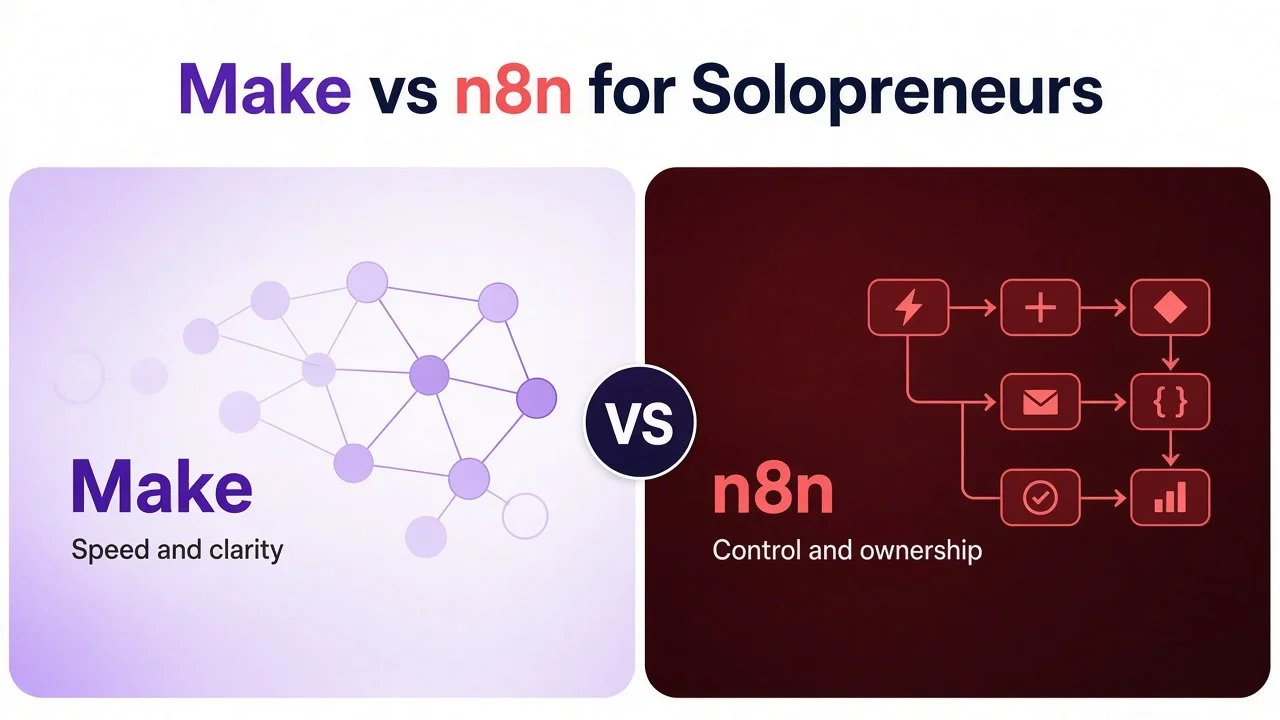
If you only remember one line: Make for speed and clarity, n8n for control and ownership.
Side-by-Side Comparison for Solo Businesses
Hosting: Make: Cloud-first (you do not self-host Make). n8n: Cloud or self-host (Community Edition on your own server)
Builder feel: Make: Polished visual canvas; scenarios read like a map. n8n: Visual + developer-leaning; powerful, denser for beginners
Pricing unit: Make: Credits (most module actions use 1 credit, so steps matter). n8n: Executions on cloud (whole run counts once); self-host has no vendor execution fee
Free / low start: Make: Free plan with 1,000 credits per month (good for testing). n8n: n8n Cloud free trial (no credit card) or free self-hosted Community Edition if you bring a server
Learning curve for most solos: Make: Milder; productive in an afternoon for many people. n8n: Steeper; worth it if you already think in systems and code
Custom code: Make: Available, more limited than a full code-first stack. n8n: Strong JS/Python-style flexibility and deeper AI/agent patterns
Integrations: Make: Broad SaaS catalog; strong for common solo stacks. n8n: Broad connectors plus HTTP/code when a native node is missing
Reliability ownership: Make: Platform uptime is Make’s job. n8n: Cloud: n8n’s job. Self-host: your uptime, updates, backups
Best solo fit: Make: Lead routing, CRM, content handoffs, email enrollment, AI-assisted scenarios. n8n: Complex pipelines, AI agents, data-heavy runs, cost control at scale
Plan numbers change. Treat this as a model, verify current pricing on each site, and rebuild 1 real workflow (or estimate credits vs executions) before you migrate everything.
How Pricing Feels as a Solo

For many solos, Make still lands cheaper and clearer than stacking expensive multi-step Zaps. The win is readable logic plus a cloud product you do not babysit. Start here if that is your profile: Start free on Make.
Learning Curve and Day-to-Day Feel
Make feels like a business tool. You drag modules, map fields, add routers and filters, and you can often explain a scenario by pointing at the canvas. Debugging is visual. Run history is easy to check. If you are new to the UI, use my Make.com shortcuts for automation beginners before anything mission-critical.
n8n feels like a builder’s tool. You get expressions, code nodes, deeper AI patterns, and room for weird edge cases. The cost is cognitive load. Beginners often need more hours before a production workflow feels trustworthy.
Neither is “hard” in absolute terms. Spend your learning budget on outcomes this week, or on depth that pays off over years.
Integrations and AI
For a typical solopreneur stack (forms, email, CRM, Sheets, Slack, Stripe, Notion, social tools, OpenAI-style APIs), both platforms cover the core.
Make shines when the job is connect SaaS A to SaaS B with clean branching and field mapping.
n8n shines when you need custom logic, agent-style flows, or HTTP/code glue that does not feel like a workaround.
When a native connector is missing, start with Make’s HTTP modules if the job is still “business process” shaped. Move to n8n when the transform, agent loop, or self-host requirement is the real bottleneck.
Zapier is not an affiliate partner of mine. I do have affiliate links with Make and n8n, which is why I am blunt about where each one falls short.
Who Should Choose Make
Choose Make if most of these are true:
You want a working lead, CRM, content, or billing handoff this week.
You prefer a visual canvas you can audit without reading code.
You do not want to manage Docker, backups, or server updates.
Your workflows are multi-step but still “business process” shaped (routers, filters, mapped fields).
You are leaving Zapier mainly for clarity and cost, not for full platform ownership.
Typical solo wins: form to CRM + Slack, welcome sequence kickoff, payment to onboarding, blog to social draft queue, weekly ops digest. Build one high-pain workflow first, then expand.
Who Should Choose n8n
Choose n8n if most of these are true:
You are comfortable with technical tools (or willing to learn them on purpose).
You want custom code, deeper AI/agent workflows, or unusual API shapes.
You care about long-term cost control and will self-host or carefully model Cloud executions.
Data on your own infrastructure matters for clients or compliance comfort.
You enjoy building systems more than you resent maintaining them.
Typical solo wins: content generation pipelines, agent-assisted research, data sync with heavy transformation, anything where a 20-step graph would punish a credit-style meter.
If self-host is the reason you lean n8n, read the maintenance reality check in self-host n8n. Free software is not free time. If you like n8n but not the server chores, n8n Cloud is the middle path.

A Simple Decision Test (15 Minutes)
List your top 3 workflows by business impact (leads, money, delivery).
Count average steps and monthly runs for each.
Score yourself 1 to 5 on technical comfort and desire to own infrastructure.
Comfort 1 to 3, or you refuse server chores: try Make first. Comfort 4 to 5, complex graphs, or strong ownership need: try n8n first.
Rebuild only workflow #1 end to end. Force a failure. Confirm you can see and fix it.
Run parallel for a few days if the workflow touches revenue. Then cut over.
Do not migrate your whole stack because a thread said n8n is free. Prove one workflow. Then decide.
Common Mistakes I See
Choosing n8n to “save money” while hating DevOps. You will pay in downtime and evenings.
Choosing Make, then building giant polling monsters. Webhooks and filters keep credits sane.
Treating n8n as “free” without counting server and maintenance hours.
Migrating every Zap in one weekend. Move expensive or fragile flows first.
Skipping run history checks. Silent failures cost more than the subscription.
FAQ
Is Make better than n8n for solopreneurs?
For most non-technical or time-scarce solos, yes. Make gets you to a reliable scenario faster without infrastructure. n8n is better when you are technical and want control, custom logic, or self-hosting.
Is n8n free?
The self-hosted Community Edition can run without an n8n subscription fee. Your server, backups, updates, and time are not free. n8n Cloud is paid and priced on executions. Compare total cost, not just the sticker.
Can I use Make and n8n together?
Yes. Some operators keep Make for everyday SaaS workflows and n8n for heavy or experimental pipelines. Start with one primary platform so you do not maintain two half-finished systems.
What about Zapier in this comparison?
Zapier still wins for ultra-simple connections and some niche apps. If cost and multi-step logic are why you are shopping, Make or n8n is usually the better long-term home. Full guide: Zapier alternatives for solopreneurs.
Does Make support self-hosting?
No. Make is cloud-hosted. If self-hosting is a hard requirement, n8n is the clearer path in this pair.
What to Do Next
For the fastest solo path, open Make and rebuild your highest-pain workflow this week.
Skim Make.com shortcuts for beginners so the canvas feels familiar.
If you want n8n without running a server, start an n8n Cloud trial and test one workflow.
If you want ownership and are technical, follow self-host n8n and test one pipeline (see faceless video n8n for a concrete pattern).
For the wider stack I recommend, browse Best Tools.
If you want help designing or fixing a system so it actually saves time, I take on automation strategy and build projects through my services.
Disclosure: some links in this post are affiliate links (Make and n8n). If you sign up through them I may earn a commission at no extra cost to you. It does not change which tool I tell you to pick.
Make more. Spend less. Work less. Pick the platform you will maintain, not the one that wins a feature checklist.